⚡🧾📅⏱📸📄📊➕
Automation
Reminders and chasers — sent automatically
Invoice scanning
Scan receipts directly onto the job
Calendar
Week and month view for the whole team
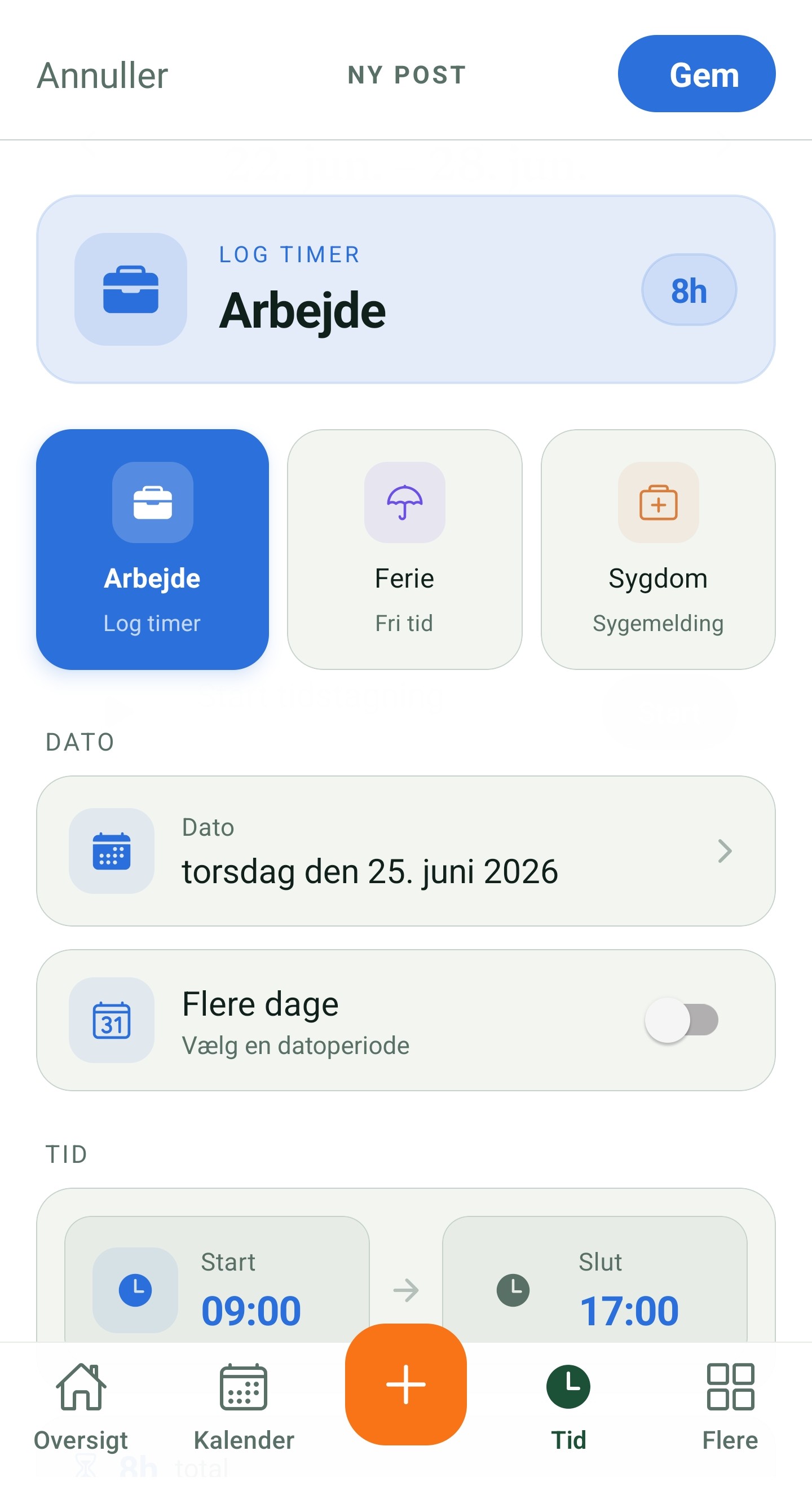
Time registration
Clock in and out from your phone
QC documentation
Photos, signature and quality control
Offers
Create and send professional offers
Reports
Insights on hours, finances and export
And more
See the full feature overview
How it works
Everything you need to register time
From the first clock-in to the finished invoice — hours carry along automatically the whole way.
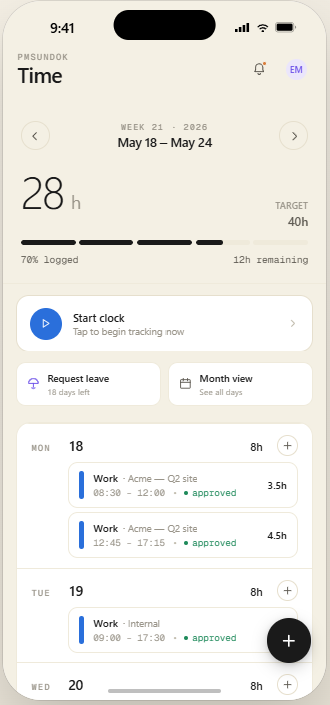
Clock in and out
Start and stop time straight on a single job or task — one tap, no forms.
Tied to the job
Every entry sits on the right job, so you always know who worked where and when.
Hours become invoices
Registered hours carry over to costs and the invoice automatically — no re-typing numbers.
Approve timesheets
Review and approve submitted hours from your team before they reach the customer's invoice.
Real-time overview
See time spent per job and per employee live — so you catch budget overruns right away.
Works offline
Register time without a network on site — it syncs automatically the moment you're back online.